Offline puzzle games.
Eleven in one app.
Sudoku, word search, 2048 and eight more logic classics. 660 levels, and every one works without internet.
-
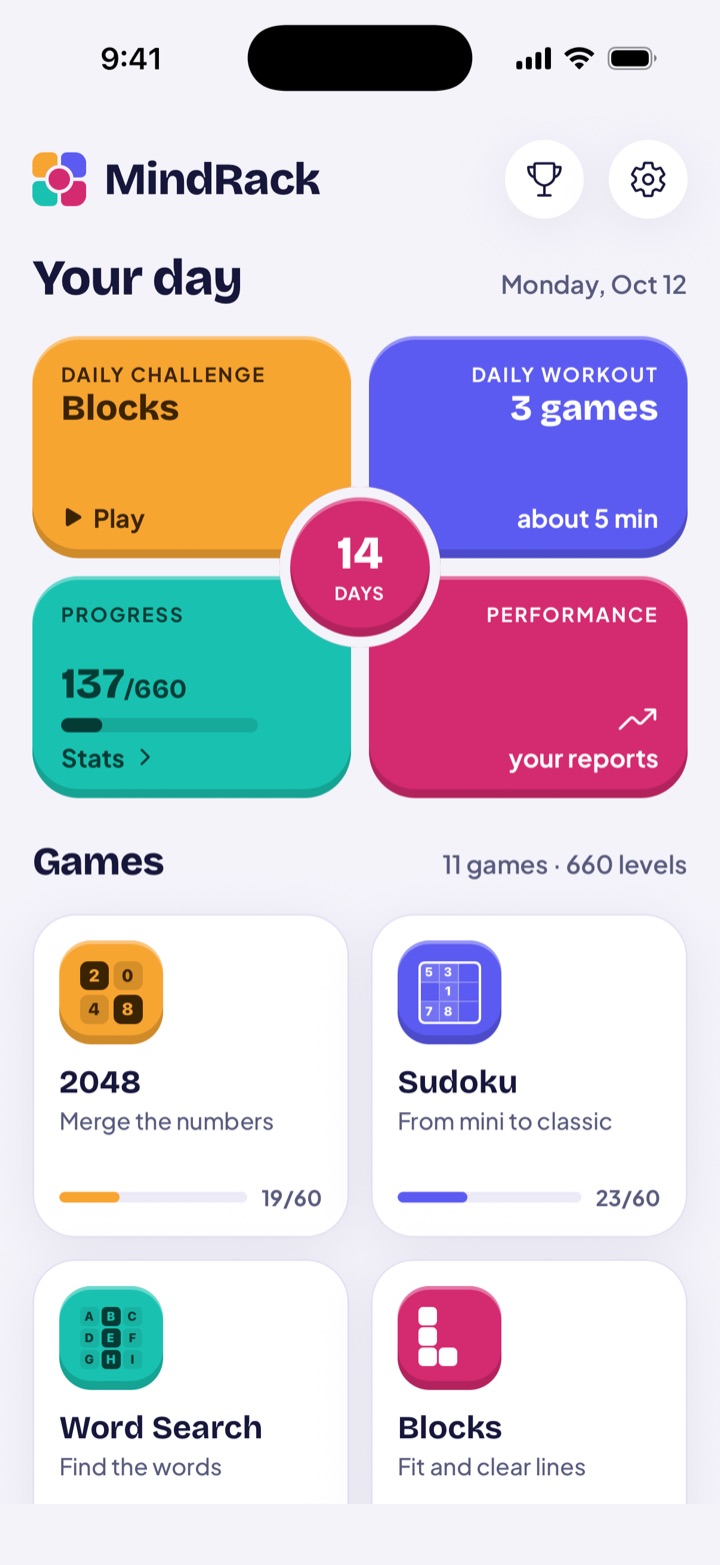
Your whole day on the first screen.
The Daily Challenge, the Daily Workout and your progress are one tap away. All eleven games sit right below.
-
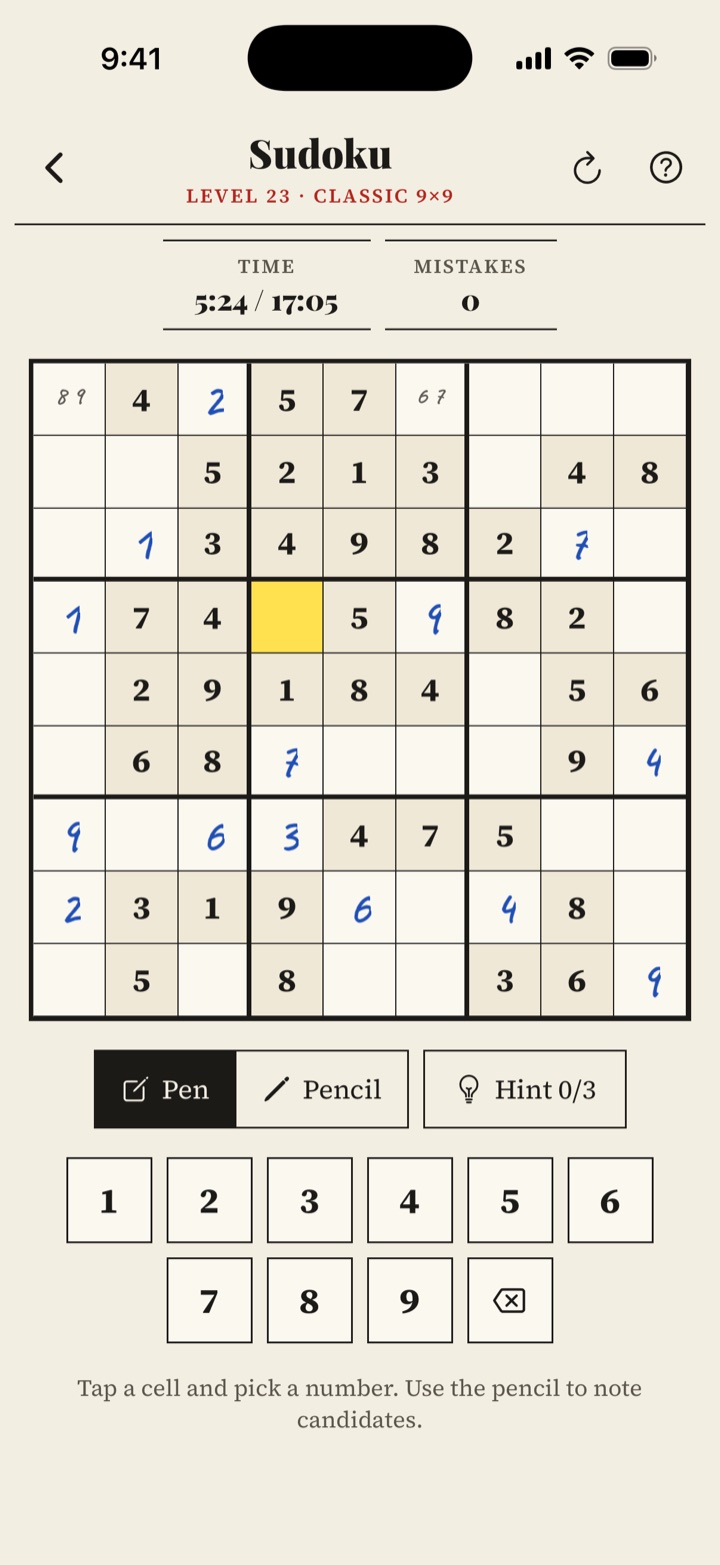
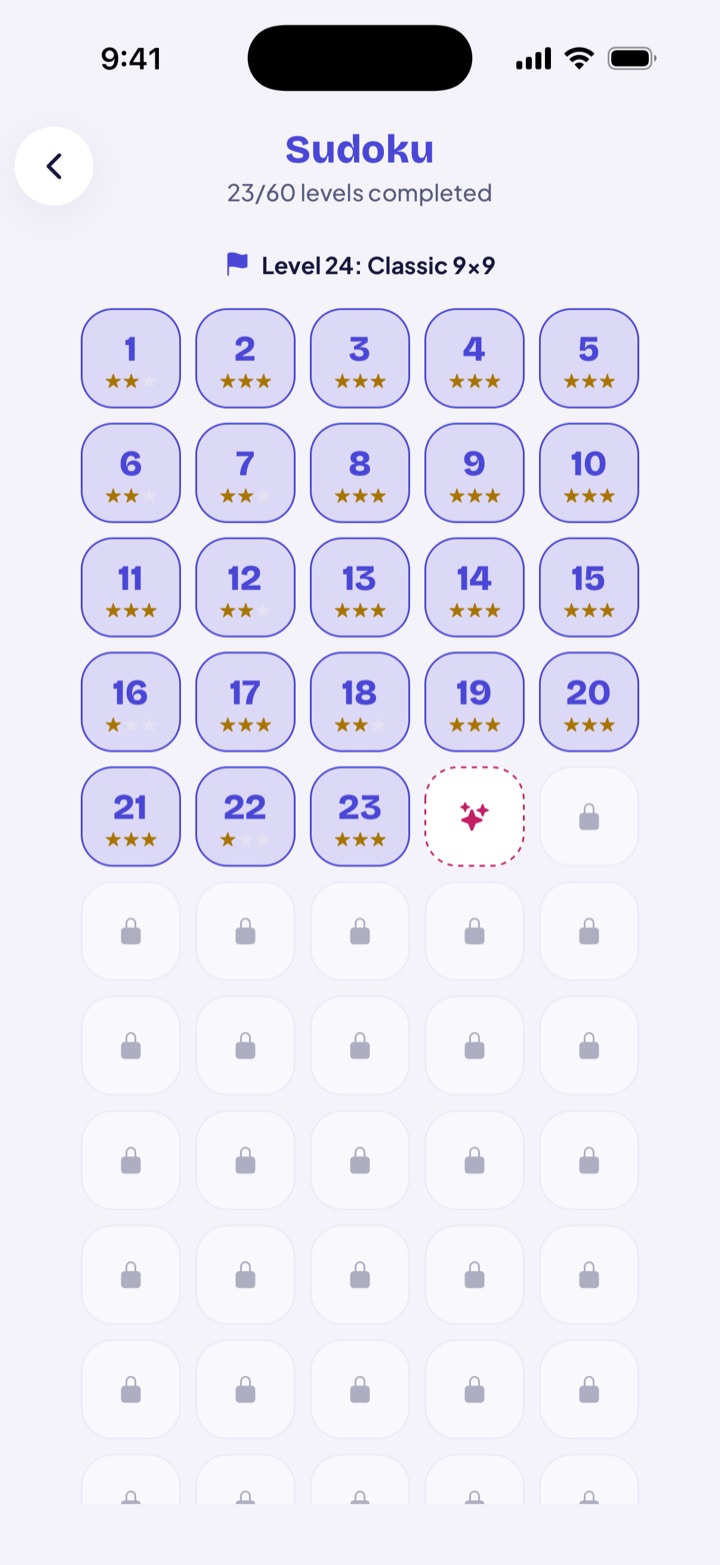
Sudoku from a mini 4×4 to the classic 9×9.
Pen to commit, pencil for notes and a hint when you get stuck.
-
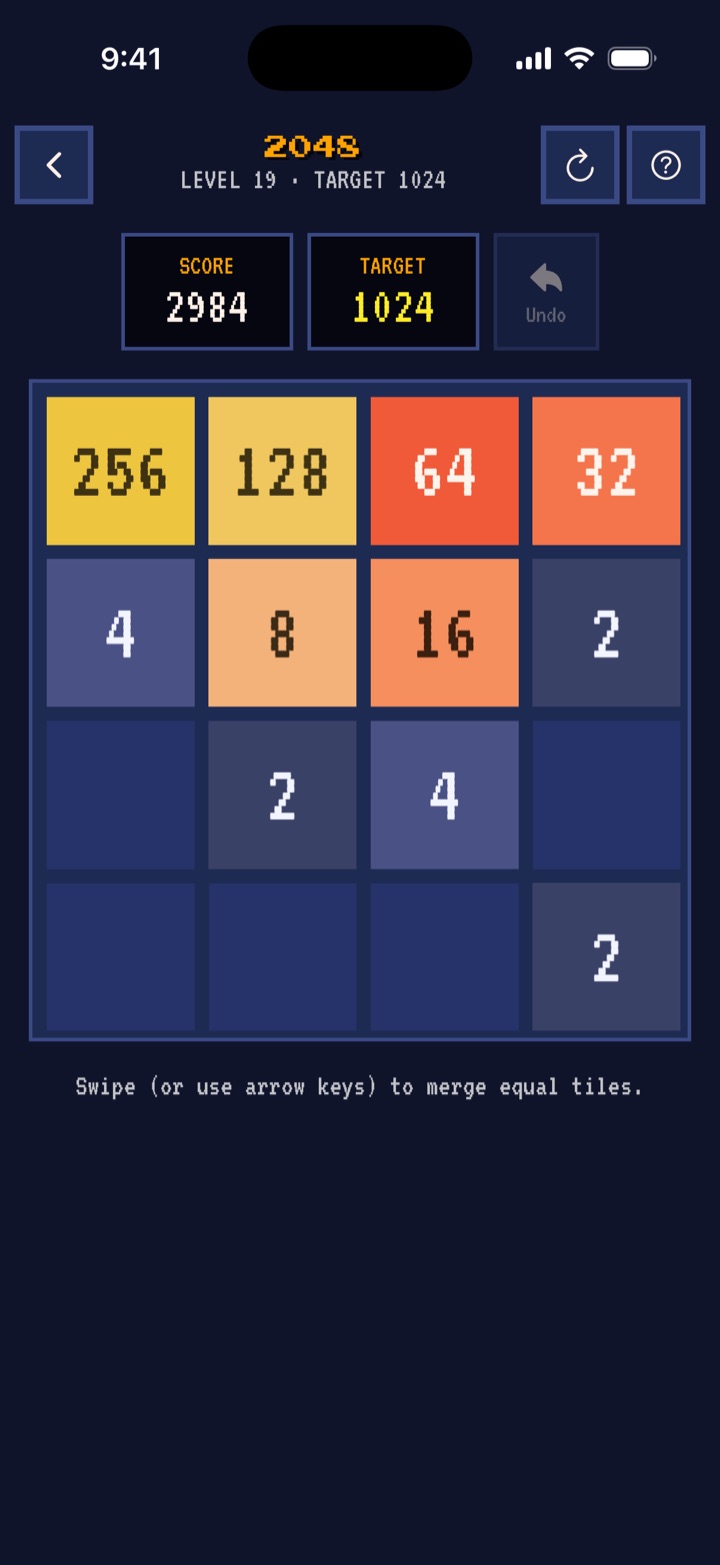
A 2048 with levels and targets.
The target starts at 64 and climbs bit by bit. Bad move? Undo it.
-
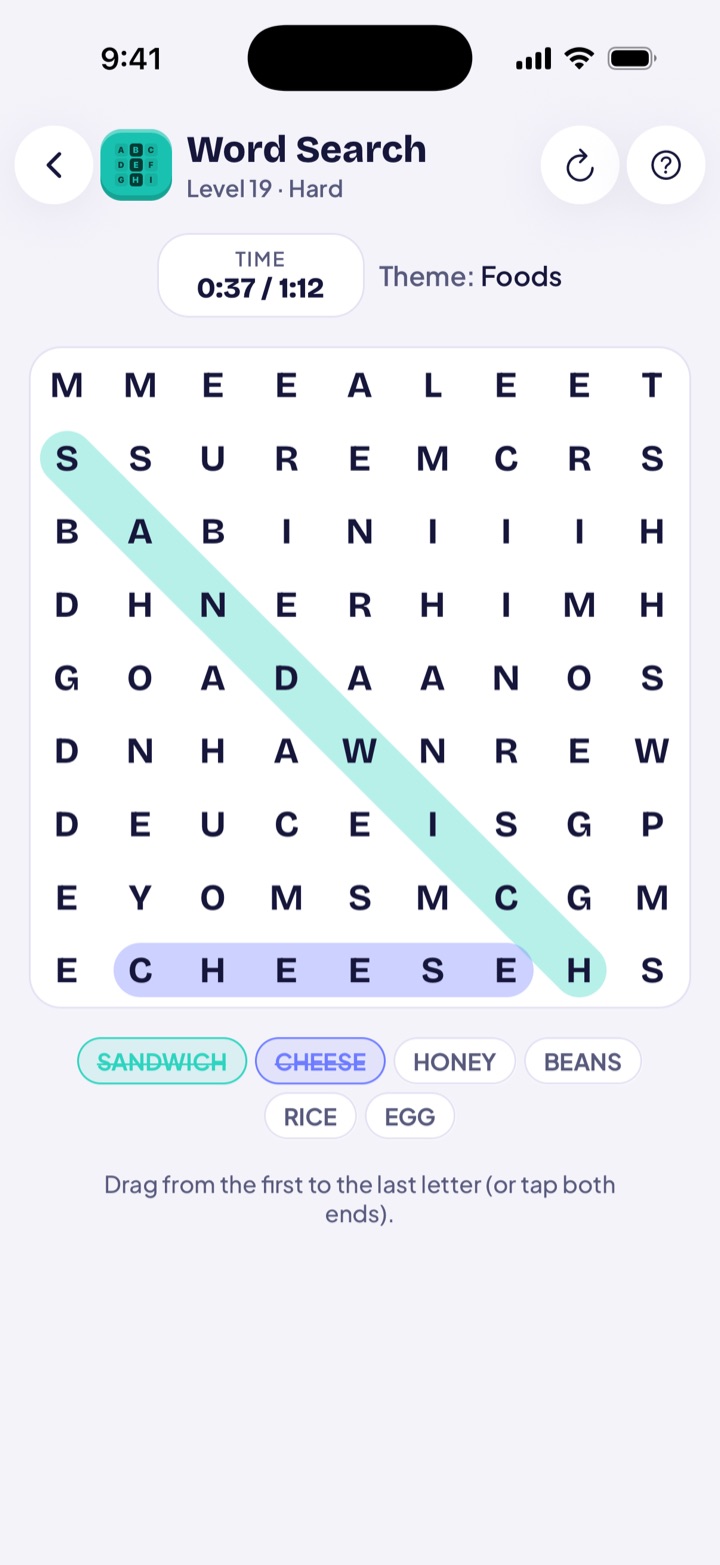
Word search in real English.
Twelve themes written in English, not translated. The grid grows as you go.
-
60 levels per game, one star at a time.
Each level awards one to three stars. You can always go back and do better.
No signal.
No problem.
On a flight, on the subway, at the cabin or stuck in line. All eleven games run fully offline, and your progress stays on your device.
11 games.
660 levels.
Classics you already know, with levels that start easy and get harder slowly.
-
2048
Merge the numbers
How to play -
Sudoku
From mini to classic
How to play -
Word Search
Find the words
How to play -
Blocks
Fit and clear lines
How to play -
Memory
Find the pairs
How to play -
Sequence
Repeat the colors
How to play -
Nonogram
Paint by clues
How to play -
Minesweeper
Dodge the mines
How to play -
15 Puzzle
Put the tiles in order
How to play -
Anagrams
Unscramble words
How to play -
Flow
Connect the colors
How to play
One puzzle a day.
The same for everyone.
Every day a new level is drawn from the eleven games. Play it, share your result without spoilers and keep your streak alive.
- A new level every midnight
- A result you can send to the group chat
- A day-by-day streak, with Bit cheering you on
Six styles.
Same puzzles.
Each style changes the colors, the fonts and the shape of the pieces across every game. You unlock the first ones by playing.
-
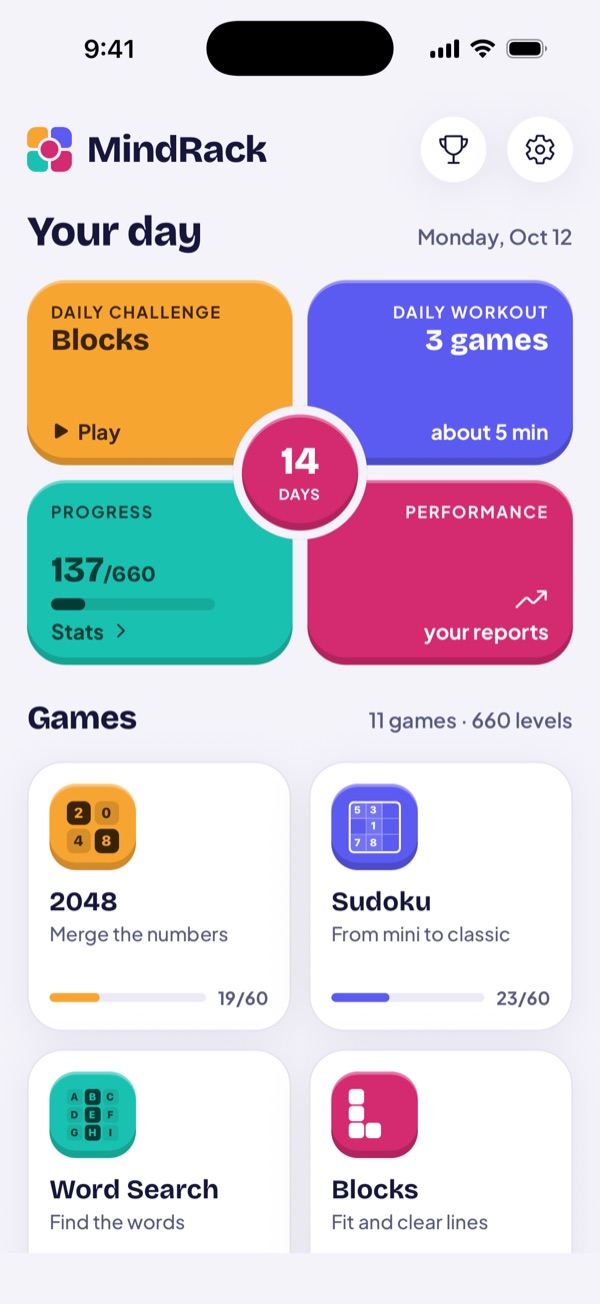
DefaultAuroraColorful pieces that look like real buttons. -
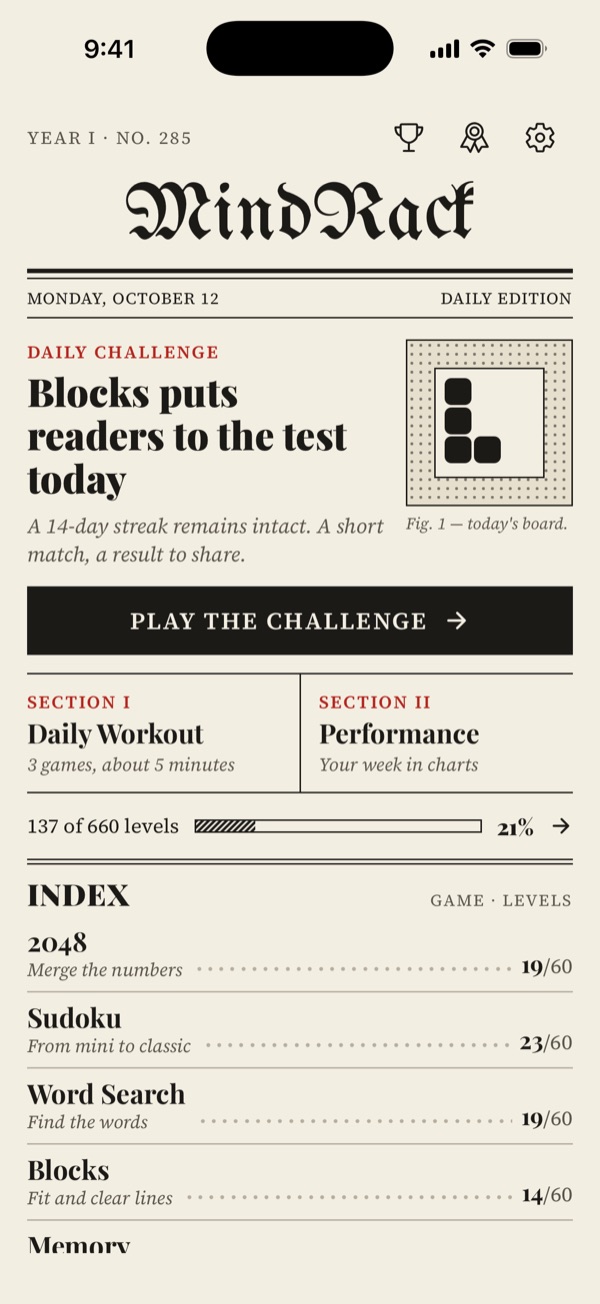
40 levelsSunday PaperNewsprint, blue pen and pencil. -
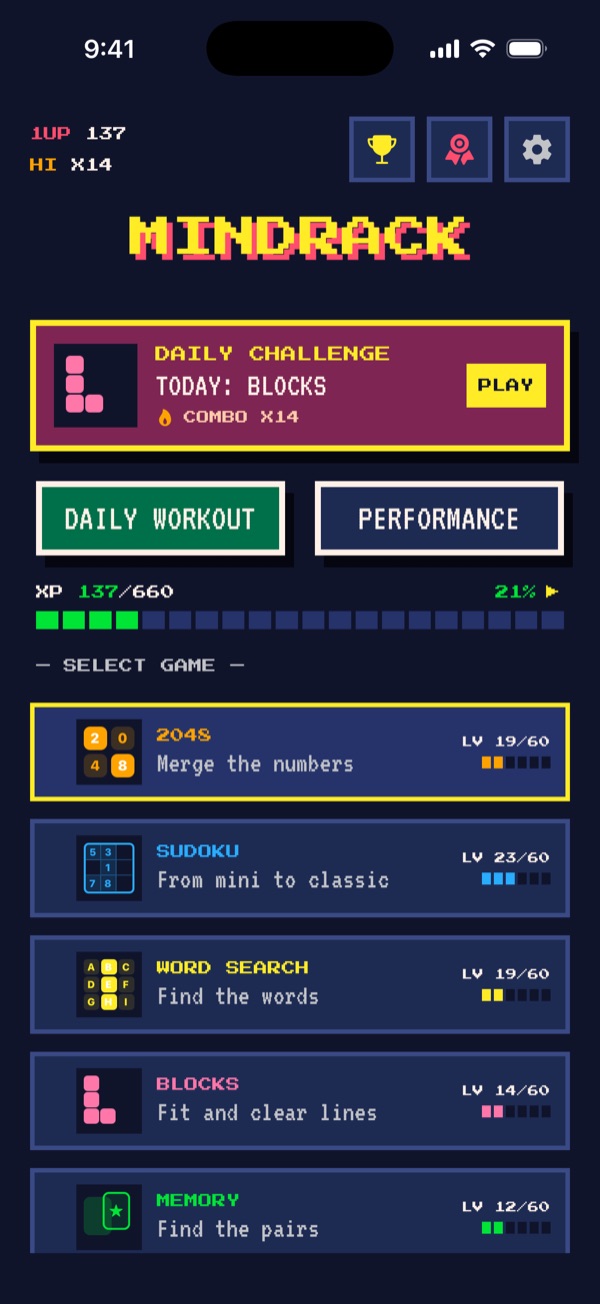
14-day streakArcadePixels, scoreboards and arcade colors. -
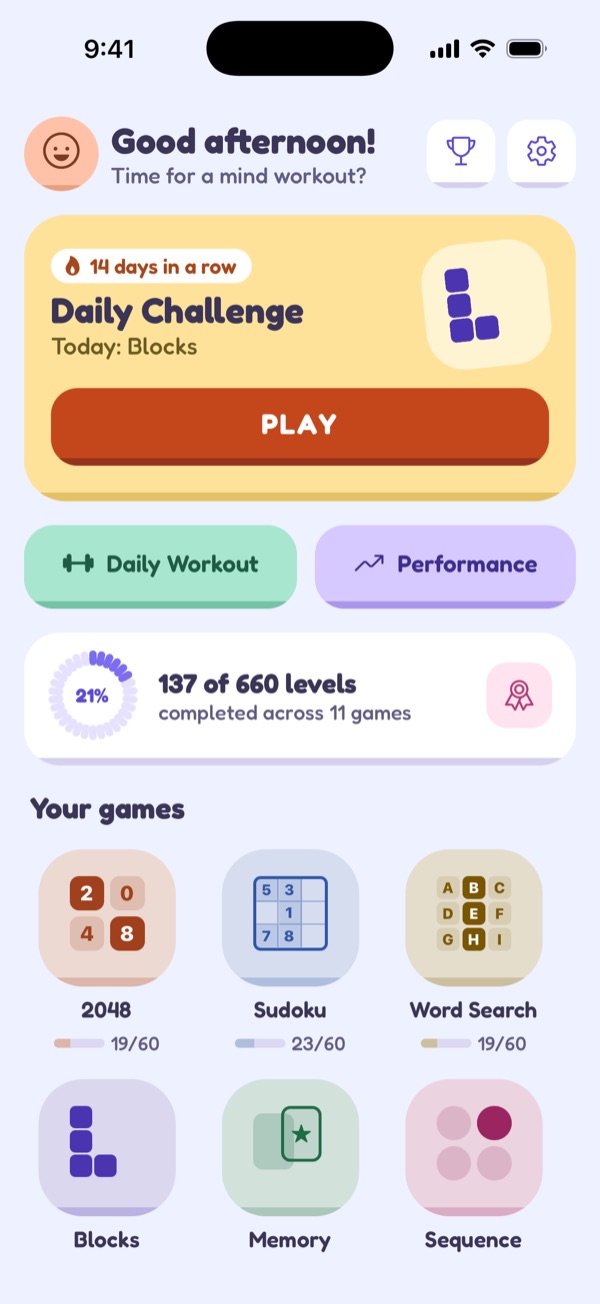
15 levelsCloudSoft pastels and extra-round corners. -
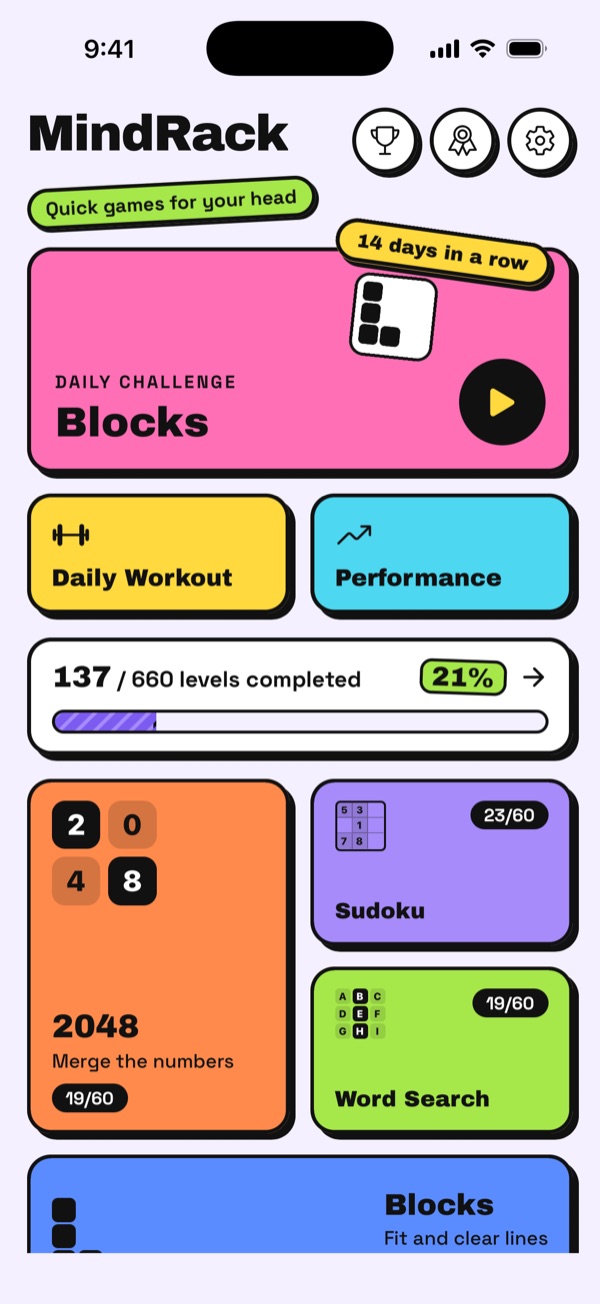
80 levelsStickerThick outlines and bright colors. -
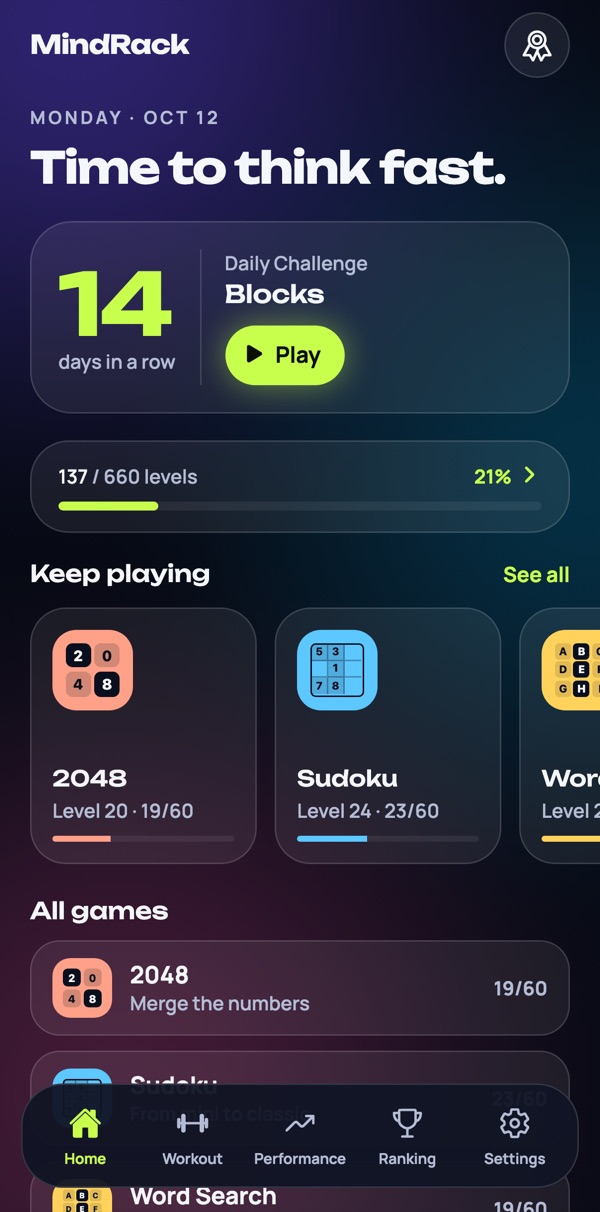
PremiumGlassLayers of glass over a glowing background.
Short on time.
Big on detail.
-
1 to 5 minute games
In line, on the bus or on a coffee break. You can finish a level before they call your number.
-
Pick up where you left off
Left in the middle of a level? Your game saves itself.
-
Pencil, hints and undo
Just enough help, without solving the puzzle for you.
-
Stats and achievements
Track your streaks, times and records for each game.
-
English, Spanish and Portuguese
The word games use native words in each language.
-
No ad interrupts your game
No video in the middle of a level, no banner on top of the board.
Frequently asked questions
Does MindRack work offline?
Yes. All eleven games and all 660 levels work fully offline, airplane mode included. Your progress is saved on your device.
Is MindRack free?
Yes, it is free to download and play. You get free levels every day, and the Daily Challenge and the levels you have beaten always stay open. MindRack Premium is optional: it unlocks every level with no daily limit, the full Daily Workout and performance comparisons.
Which games are in the app?
Eleven: 2048, Sudoku, Word Search, Blocks, Memory, Sequence, Nonogram, Minesweeper, 15 Puzzle, Anagrams and Flow. Each one has 60 levels that get harder as you go.
Does it work on iPhone, iPad and Android?
Yes. MindRack is on the App Store for iPhone and iPad and on Google Play for Android phones.
What is the Daily Challenge?
Every day a new level is drawn from the eleven games, the same for everyone. You play it, share your result without spoilers and keep your day-by-day streak going.
Do I need an account?
No. You can play everything without one. An account is optional and only puts you on the leaderboard.
Which languages is MindRack available in?
English, Spanish and Portuguese. The app follows your device language, and you can switch it in Settings.
Puzzles that go
wherever you go.
Free on iPhone, iPad and Android.